Punjab National Bank customers can download their account statements through online banking without a branch visit. The process is similar to other public sector banks.
Via PNB Internet Banking
Log in at netpnb.com. Click on "Account" in the top menu. Select "Account Statement." Choose your account, enter the date range, and click "View." You can then download as PDF or Excel. PNB allows up to 12 months of history online.
Via PNB ONE App
Open PNB ONE on your phone. Tap on your account. Select "Mini Statement" for the last 10 transactions, or "Account Statement" for a full date-range download. The app sends the statement to your registered email.

Via missed call
Give a missed call from your registered mobile number to 1800-180-2222. PNB sends a mini statement by SMS with the last 5 transactions. This works without internet access.
At the branch
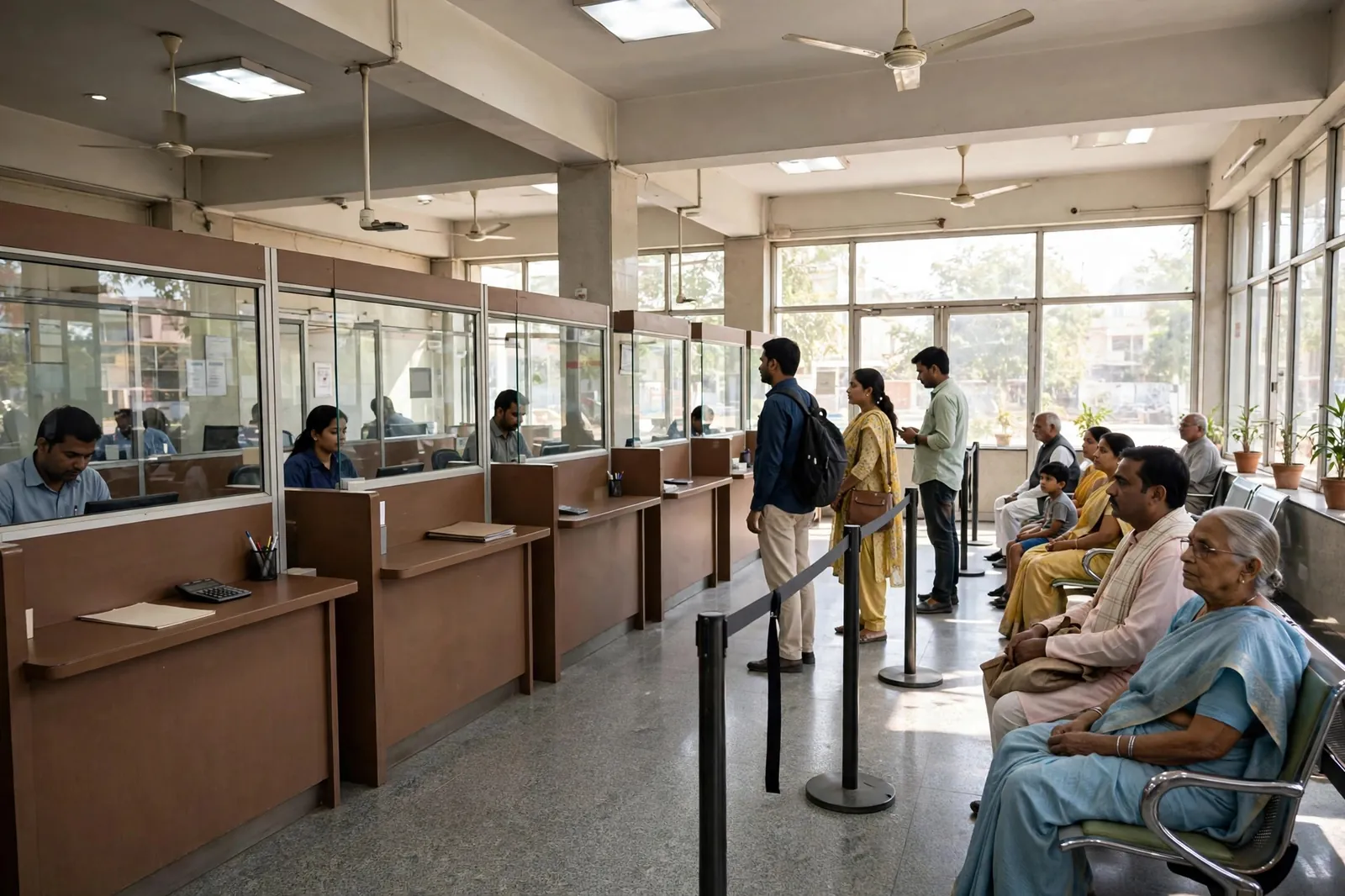
For statements older than 12 months or for certified copies, visit a PNB branch with your passbook and KYC documents. Printed statements cost Rs 50-100 per page for older records.

Related reading: How to Download Your SBI Bank Statement, How to Download Your Canara Bank Statement, How to Read an Bank Statement.