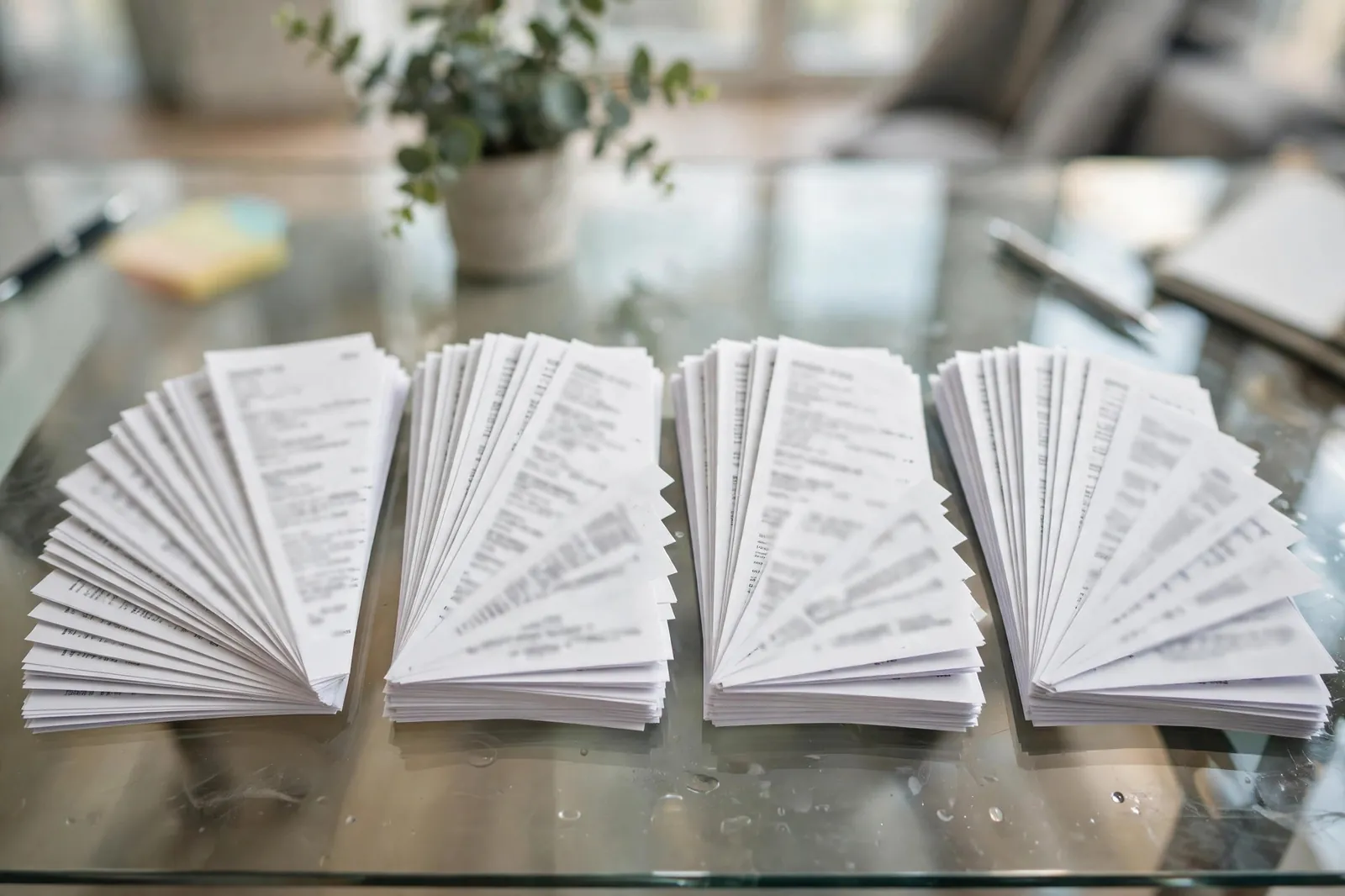
If you have worked with bank statement data, you know that each bank is a world of its own. Column names, date formats, narration styles, and even PDF encoding differ widely.
SBI format
SBI statements have 7 columns: Txn Date, Value Date, Description, Ref No./Cheque No., Debit, Credit, and Balance. The date format is DD Mon YYYY (e.g., 15 Jan 2024). The description field is often truncated to around 40 characters. SBI PDFs are generally text-based and convert relatively cleanly.

HDFC format
HDFC statements have columns: Date, Narration, Value Dt, Chq./Ref.No., Withdrawal Amt., Deposit Amt., and Closing Balance. Date format is DD/MM/YY. HDFC's narration field is longer and includes UPI IDs and merchant names more consistently than public sector banks.

ICICI format
ICICI uses: Transaction Date, Value Date, Description, Cheque Number, Amount, and Balance. It uses DD-Mon-YYYY format. ICICI uses negative amounts for debits in its Excel statements, which requires a different parsing approach than banks that use separate debit and credit columns.
Axis Bank format
Axis statements have: Tran Date, CHQNO, Particulars, DR, CR, and BAL. Date format is DD-MM-YYYY. Axis is known for its long narration strings that include UPI reference numbers in full, making transaction identification easier but field lengths larger.
Related reading: How to Read an SBI Bank Statement, How to Read an HDFC Bank Statement, How to Read an ICICI Bank Statement.