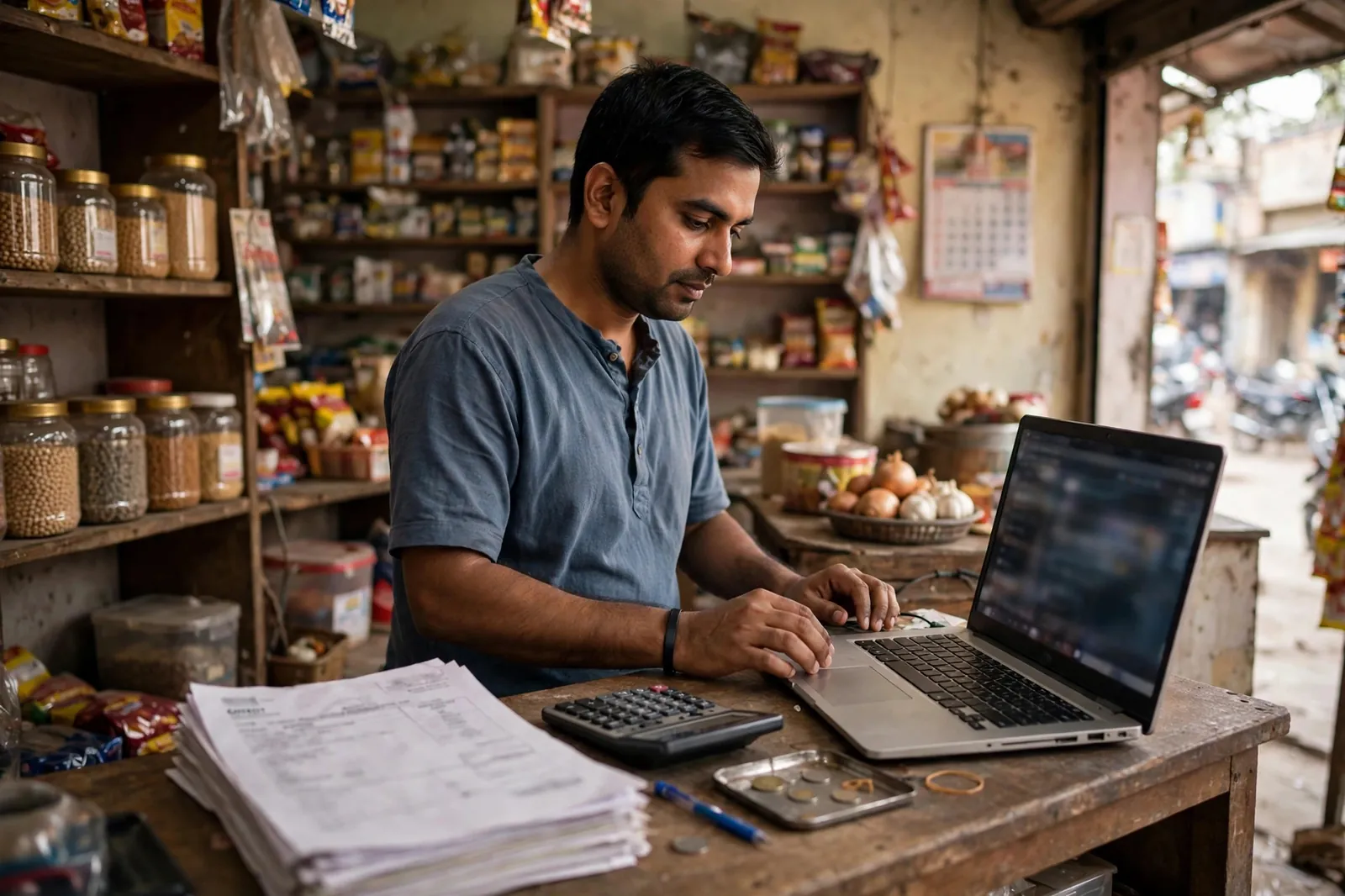
GST filing requires you to report all supplies made and received during the month. Your bank statement is the cross-check tool that catches omissions and errors before they become compliance problems.
Reconciling sales with bank credits
Total all the business-related credits in your bank statement for the month. This is your actual cash collected. Compare it with the total declared in GSTR-1. Differences can arise from advance payments received, sales against which payment is still outstanding, or sales through non-banking channels. Document every difference.

Reconciling purchases with bank debits
For input tax credit (ITC) claims, every vendor payment should have a corresponding invoice. Cross-check your bank debits against your purchase register. If a debit appears in your bank statement but you cannot find the invoice, track it down before filing. Claiming ITC without valid invoices is a compliance risk.
TDS and TCS in bank statements
If you receive payments from e-commerce operators (like Amazon or Flipkart), they deduct TCS (Tax Collected at Source) at 1%. This appears as a deduction in your payout, not a separate bank debit. Look for it in your payout reports and reconcile with GSTR-8 data.

Cash transactions and GST
Cash receipts do not appear in your bank statement. If your business has cash sales, keep a separate cash register and daily cash summary. GST returns must include cash sales. A mismatch between bank credits and GST turnover is easier to explain when cash transaction records are clean.
Related reading: GST and Bank Statements for Businesses, Bank Statement for Income Tax Return, How to Reconcile Your Bank Statement.